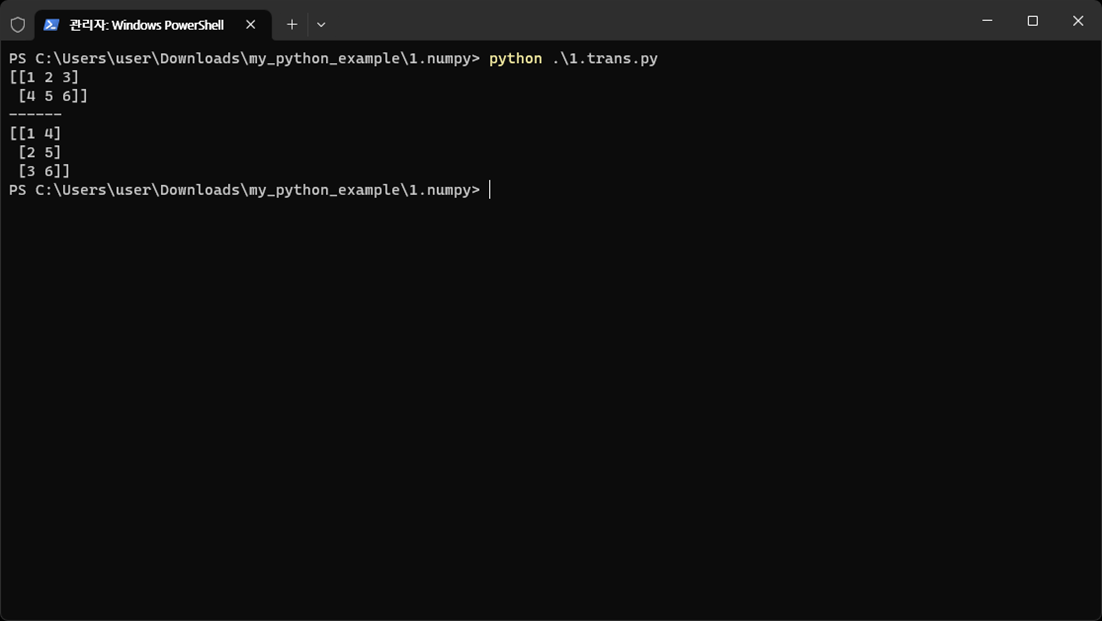
Transpose Matrix Transformation
Follow along: Transpose Matrix Transformation
The program launching process along with parameter settings are all simplified and set up on the Jupyter Notebook Environment.
- Create a new *.ipynb file Jupyter Notebook
- Fill in the content below in the newly created file
- Follow and Execute the example codes
(The Jetson Board used for these examples are => Jetson Nano)
1.trans.py
import numpy as np

matrix = np.array([[1, 2, 3], [4, 5, 6]])
print(matrix)
print('------')
transposed_matrix = matrix.T
print(transposed_matrix)
code progress
Create a matrix of size 2x3.
The matrix is structured as a list within a list.
Each list represents a row of a matrix.
Output the generated matrix.
Create a matrix by transposing the rows and columns of the original matrix.
Output the generated transpose matrix.