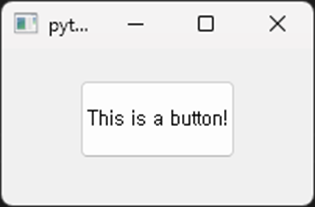
Button
 1from PyQt5.QtWidgets import (
 2    QMainWindow, QApplication, QPushButton
 3)
 4
 5class MainWindow(QMainWindow, object):
 6    def __init__(self, parent=None):
 7        super(MainWindow, self).__init__(parent)
 8        # Create a button
 9        self.button = QPushButton("This is a button!", self)
10        # Set the position and size of the button
11        self.button.move(50, 20)
12        self.button.setFixedSize(100, 50)
13
14if __name__ == "__main__":
15    app = QApplication([])
16    mainWindow = MainWindow()
17    mainWindow.show()
18    app.exec_()
This example uses the
QPushButtonwidget to add a button. A button is one of the primary widgets for receiving user input.